
Android · Galaxy Watch 베타 테스터 모집Android · Galaxy Watch beta
이제 안드로이드 폰과 갤럭시 워치에서도 SPLITS8을 쓸 수 있어요. 정식 출시 전에 먼저 써 보고 의견을 주실 분을 찾습니다. SPLITS8 now runs on Android phones and Galaxy Watch. Help us test it before the public release.
안드로이드판은 아직 베타 테스트 중이에요. 화면이 조금 어색하거나 오류가 있을 수 있어요. 발견하시면 알려 주세요, 바로 고칠게요.The Android version is still in beta testing. Some screens may look a little off, and you may run into bugs. Let us know and we will fix them quickly.
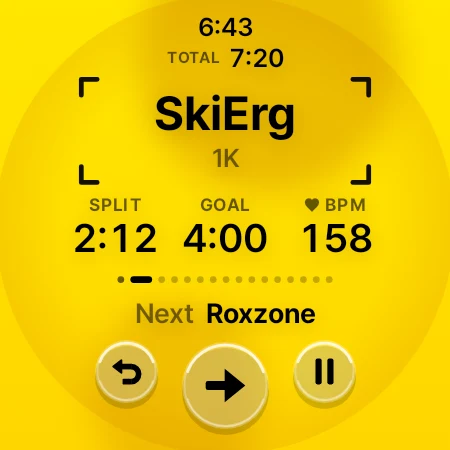
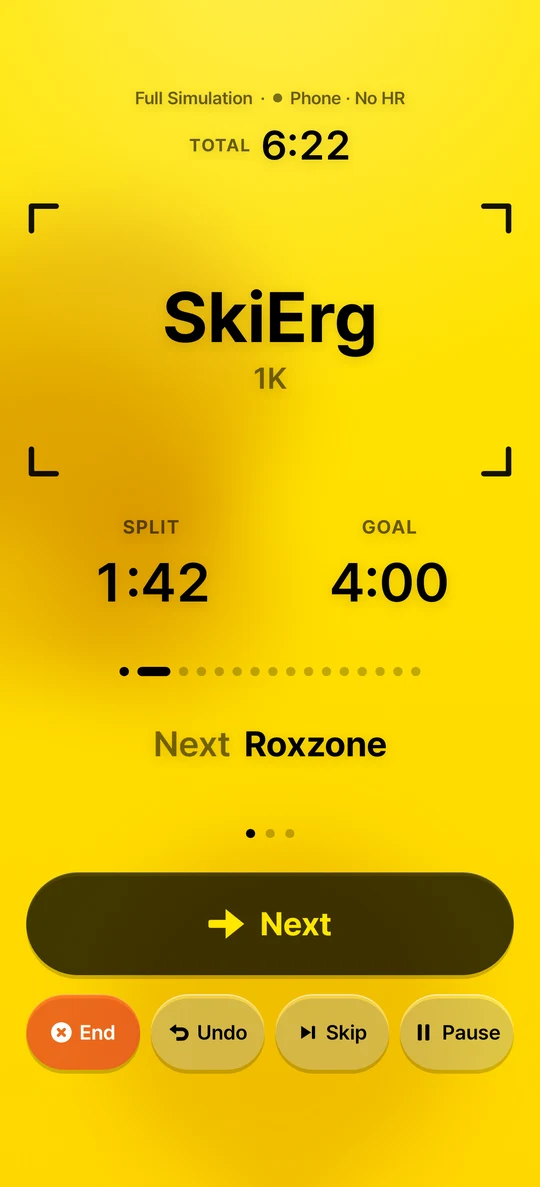
참여 방법How to join
아래 버튼을 눌러 "그룹에 참여"를 누릅니다. 안드로이드 폰에 로그인된 구글 계정으로 가입해야 합니다. (회사 계정은 막혀 있을 수 있어요)Open the group and tap "Join group". Use the Google account signed in on your Android phone. (Work accounts may be blocked.)
가입했으면 이 페이지로 돌아와서 2번을 눌러 주세요. 그룹 페이지에는 설치 버튼이 없어요.After joining, come back to this page and tap step 2. The group page has no install button.
같은 구글 계정으로 아래 버튼을 열고 "테스터 되기"를 누릅니다. 그룹에 가입한 직후에는 몇 분 걸릴 수 있어요.With the same Google account, open the link below and tap "Become a tester". Right after joining the group it may take a few minutes.
영어 화면이 나오면 성공이에요. 둘째 줄의 파란 글씨 download it on Google Play를 누르거나, 아래 3번 버튼을 누르세요.If you see the page below, you're in. Tap the blue download it on Google Play link, or use button 3 below.
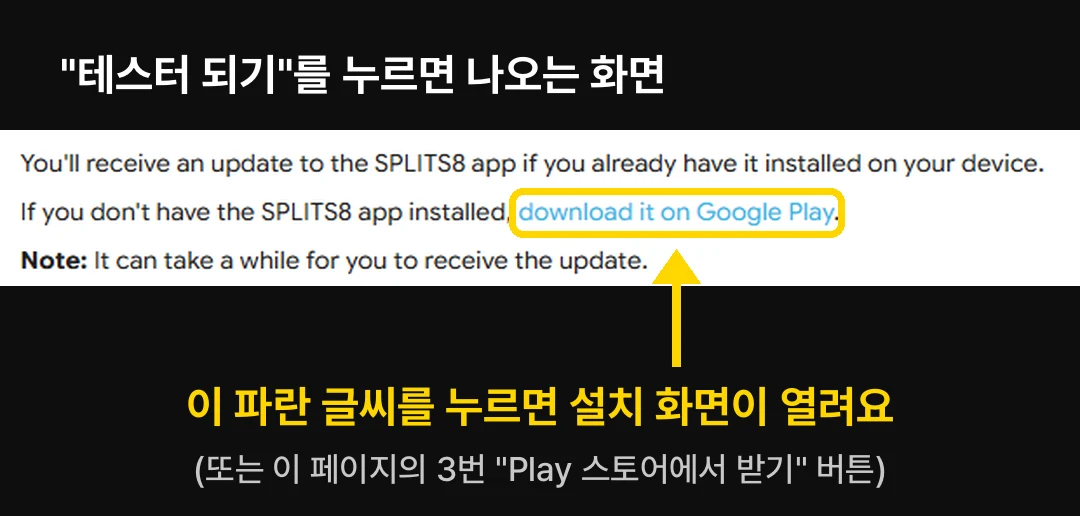
아래 버튼을 눌러 Play 스토어에서 설치합니다. 아직 정식 출시 전이라 Play 스토어 검색에는 안 나와요. 갤럭시 워치가 있으면 워치의 Play 스토어에서도 SPLITS8을 설치하세요. 워치가 없어도 폰만으로 기록할 수 있어요.Tap the button below to install from Google Play. Before the public release, SPLITS8 does not show up in Play Store search. If you have a Galaxy Watch, install SPLITS8 from the watch's Play Store too. No watch? You can track with the phone alone.
3. Play 스토어에서 받기3. Get it on Google Play
2번 "테스터 되기"를 누른 뒤에 열려요. 먼저 누르면 "찾을 수 없음"이 나올 수 있어요.Opens after you tap "Become a tester" in step 2. Before that it may say the app can't be found.
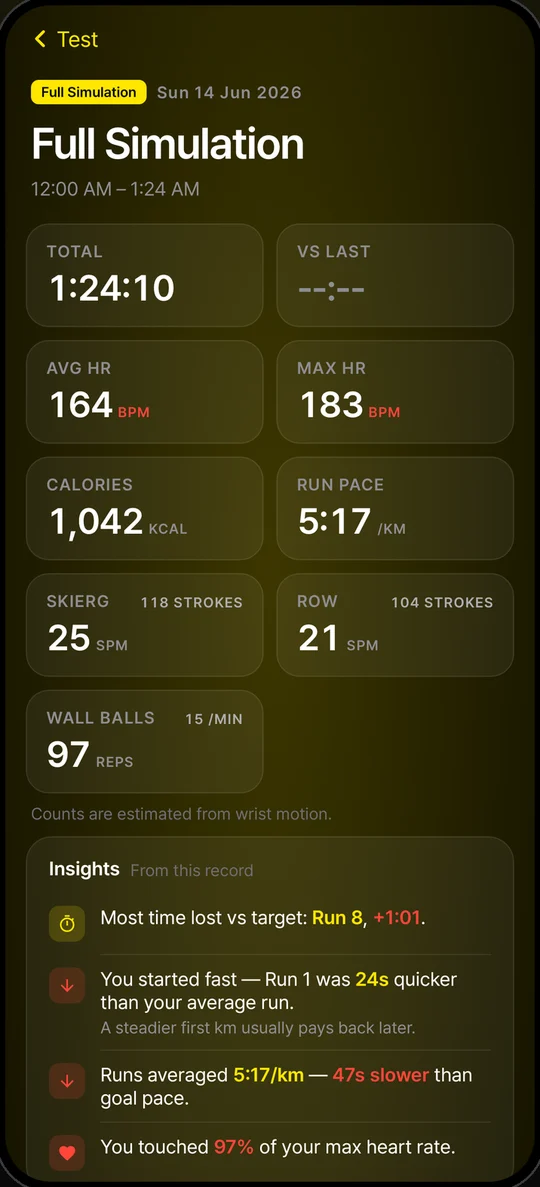
14일 동안 지우지 말고 가끔 써 주세요. 구글 플레이에 정식으로 올리려면 테스터가 14일 동안 앱을 유지해야 합니다. 트레이닝이나 풀 시뮬레이션을 한 번이라도 해 보고, 불편한 점을 알려 주시면 큰 도움이 됩니다. Please keep the app installed for 14 days and use it now and then. Google Play requires testers to stay opted in for 14 days before a public release. Try a training or a Full Simulation and tell us what felt wrong.
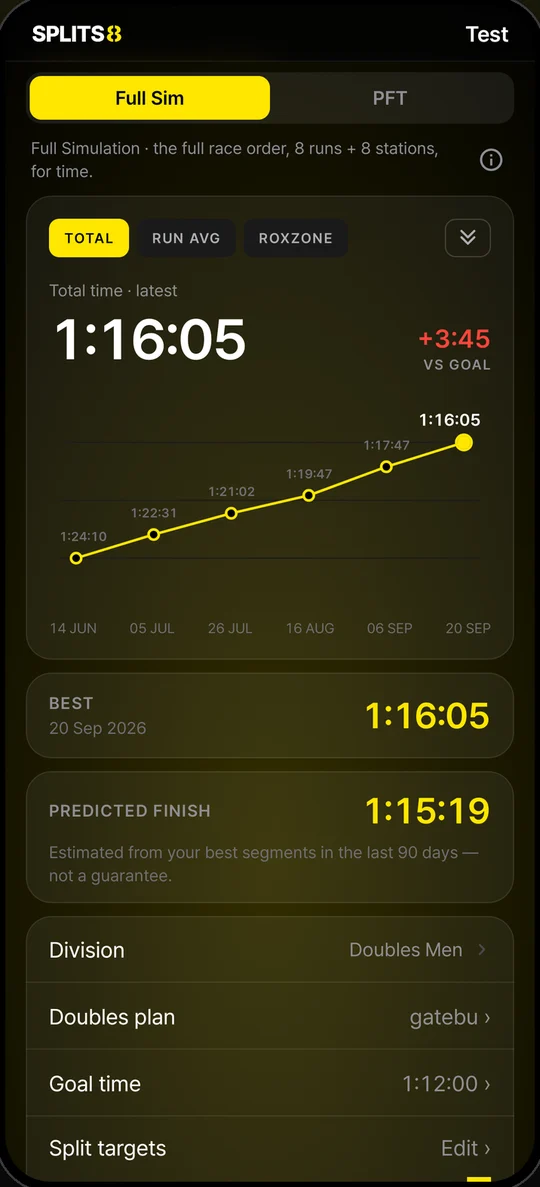
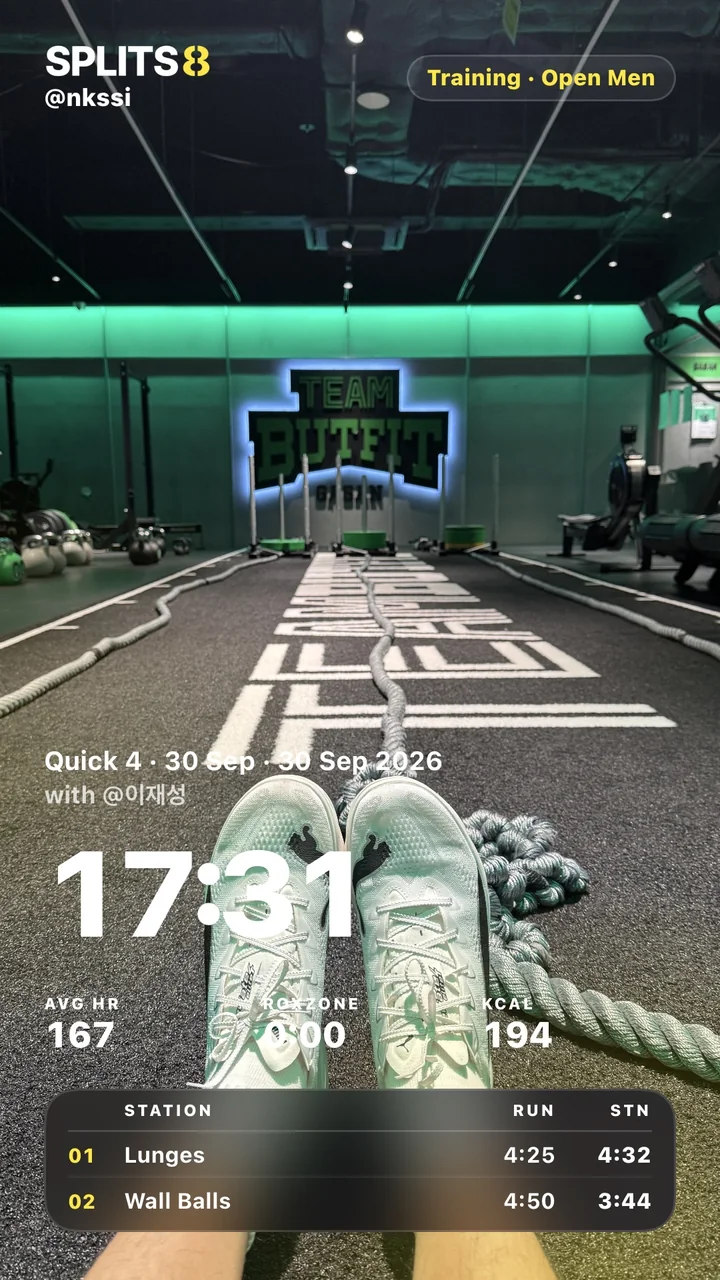
베타에서 되는 것What's in the beta
자주 묻는 질문FAQ
2번 "테스터 되기"를 먼저 눌렀는지 확인해 주세요. 그다음 그룹에 가입한 구글 계정과 Play 스토어에 로그인된 계정이 같은지 확인해 주세요. 그룹 가입 직후라면 몇 분 뒤 다시 열어 보세요.First make sure you tapped "Become a tester" in step 2. Then check that the Google account you used for the group is the one signed in to Google Play. If you just joined, try again in a few minutes.
대화 내용은 멤버만 볼 수 있어서 나오는 문구예요. 위쪽의 "그룹에 참여" 버튼만 누르면 됩니다. 회사(Workspace) 계정이면 개인 Gmail 계정으로 바꿔 주세요.Posts are visible to members only, so that message is normal. Just tap "Join group" at the top. If you are on a work (Workspace) account, switch to a personal Gmail account.
네. 폰에서 "Start on phone"으로 시작하면 폰만으로 구간을 기록합니다. 심박은 워치가 있을 때만 나옵니다.No. Tap "Start on phone" to track splits with the phone alone. Heart rate needs a watch.
네. 아이폰판과 같은 계정 · 같은 서버를 써서, 닉네임이나 이메일로 서로 찾아 친구를 맺을 수 있어요. 친구 순위표와 응원도 함께 써요.Yes. Both apps share the same accounts and server, so you can find each other by nickname or email, then share leaderboards and cheers.
아니요, 무료입니다. 가입하지 않아도 모든 기록 기능을 쓸 수 있고, 친구 · 순위표를 쓸 때만 가입하면 됩니다.No, it's free. Every tracking feature works without an account; sign up only for friends and leaderboards.
아이폰 · 애플워치용은 이미 App Store에 있습니다. App Store에서 받기The iPhone and Apple Watch app is already on the App Store. Download on the App Store
의견 보내기Send feedback
화면이 잘리거나, 버튼이 안 눌리거나, 무엇이든 좋습니다. 화면 캡처를 함께 보내 주시면 더 빨리 고칠 수 있어요.Cut-off screens, buttons that don't respond, anything. A screenshot helps us fix it faster.
nkssi1981@gmail.com새 소식과 사용법을 올립니다. DM 으로 의견을 보내셔도 됩니다.News and how-tos. Feel free to send feedback by DM.